



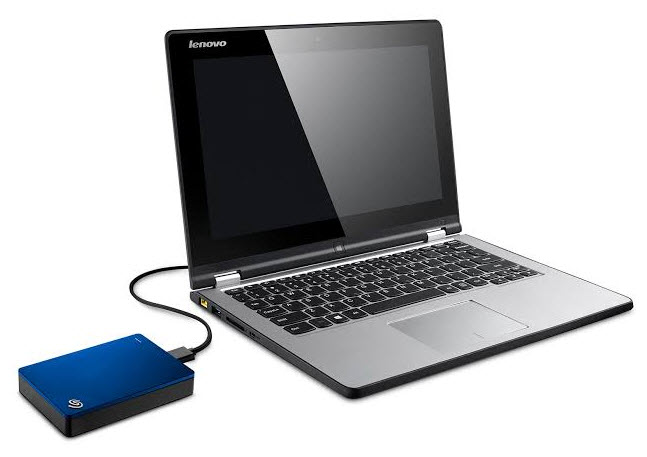
 Regular backups are vital insurance against a data-loss catastrophe. Unfortunately, most people learn this lesson only through bitter experience. Developing a solid backup plan takes time and money, but it costs far less than the often-impossible task of recreating data for which no backup exists.
Files can be lost from your computer in any number of ways—you might accidentally delete a file, or a virus might wipe one out. You can also have a complete hard drive failure. When a hard drive dies an untimely death, it's kind of like having your house burn down. Important personal items are usually gone forever—family photos, significant documents, downloaded music, and more. Thankfully, backing up your content to a second, separate location is a simple process these days. This protects your files against viruses or complete computer failure. This makes it easy to retrieve them, put them on a new hard drive, and get going again.
Today, there are many options for backing up your content. You don't need any sophisticated equipment—you can use external hard drives, flash drives, network drives, or even online storage like Windows OneDrive or Google Drive. It might be a good idea to back up your data to multiple places. For example, you might back up your content to both an external hard drive and an online storage site.
- Make a list of all the folders and documents you need to back up.
- Select the most convenient backup hardware. If you have a large set of data to back up, an external hard drive is the best choice.
- Select the software to help you manage the data backup. Windows includes a backup tool, but other applications (some free) can help you back up all your files.
- Define regular intervals to back up your data
- Backup your data per schedule
- Test the backup data to ensure the backup is complete and accessible.
By following these simple steps, you can create a backup process that gives you peace of mind, knowing the information you worked so hard for is now secure.